
Google Antigravity 2.0 is a new, standalone desktop application that fully delivers on a truly agent-optimized experience, available on macOS, Linux, and Windows (download here). Users interact with powerful agents both synchronously and asynchronously, and there is no IDE. While it retains many of the core principles of the Antigravity IDE’s Agent Manager surface, it is a completely separate desktop application. It is available to enterprises, powered by the latest Gemini models, and orchestrates agents capable of completing complex tasks.
Let us walk through the high level of the new features and capabilities. For more demos and deep dives, check out this blog post.
At the core is still an agent. You can synchronously have a conversation with an agent, view the artifacts it produces, and provide feedback directly on the artifacts to guide towards your desired outcomes:
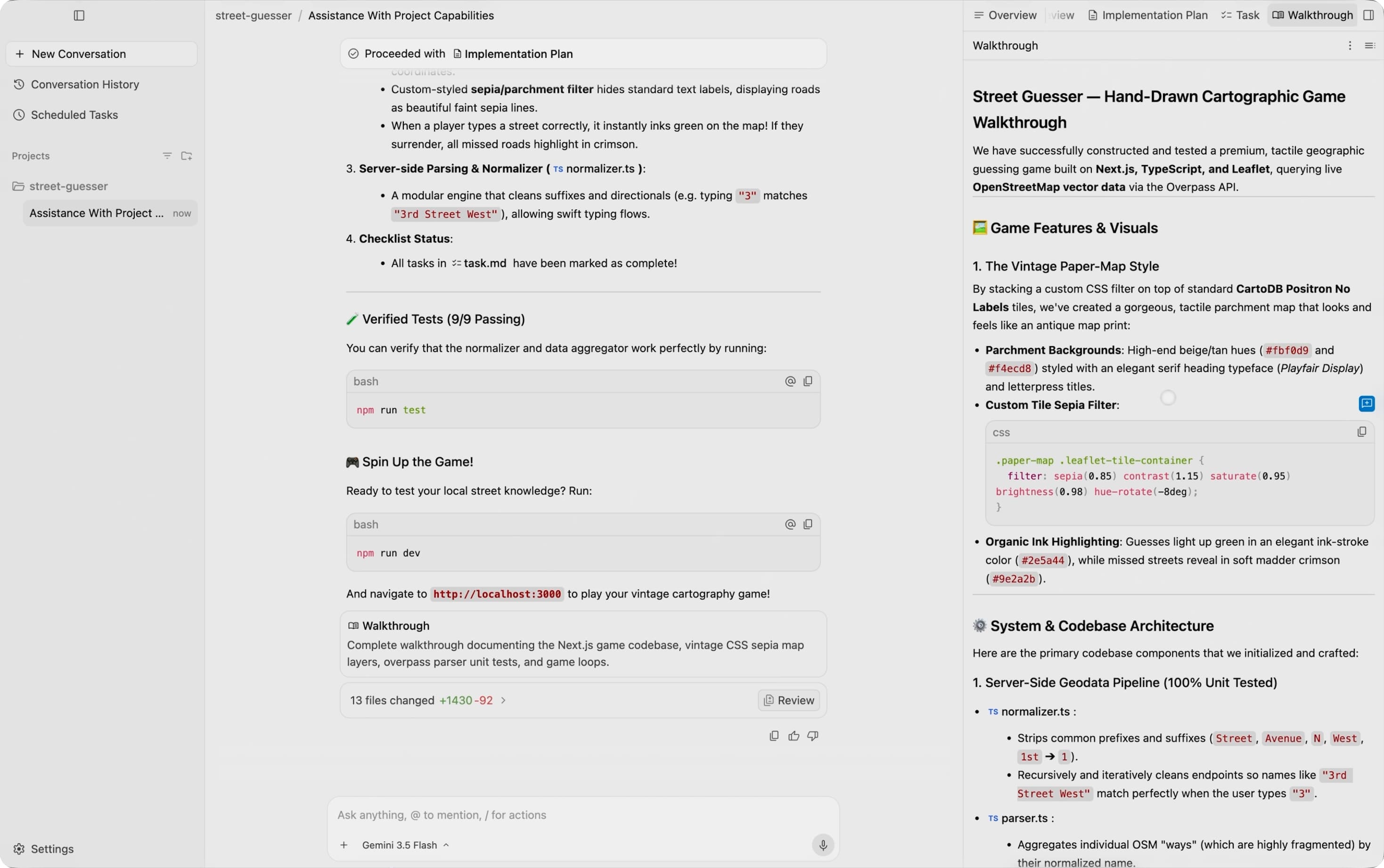
Agent-first layout of Antigravity 2.0.
These agents are more powerful than before. Some new capabilities include:
A brand new way of interacting with agents in Antigravity 2.0 is through Scheduled Tasks, where you can define crons to trigger the invocation of Antigravity agents on a predefined schedule. No longer do you need to manually invoke every agent:
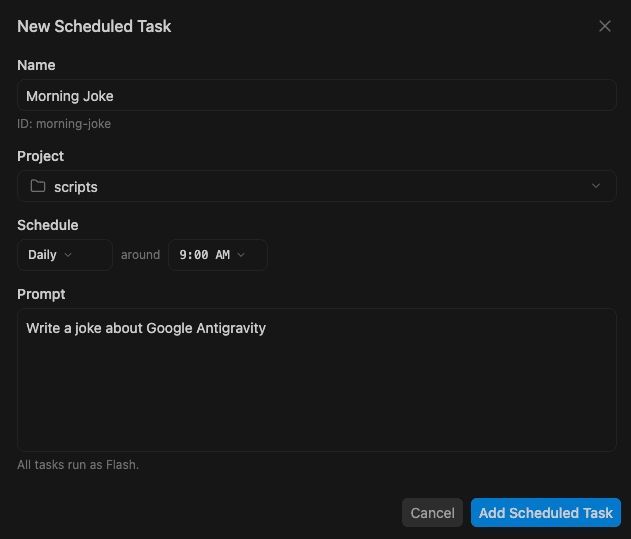
Set recurring schedules or one-off timers using the /schedule command or Scheduled Tasks.
We’ve also removed the tight coupling between agent and repository. Instead of agent conversations being grouped by “workspace” (i.e. repository), they are now grouped by “project,” which can correspond to multiple folders and enforce its own agent settings and permissions. This allows you to let agents access more information and tackle more complex tasks, while still providing the knobs to put appropriate, specific guardrails.
There is a whole list of new fun slash commands:
One favorite new feature is that the voice input (mic icon next to text input boxes) now does live transcription of your words, as opposed to collecting the raw audio file to pass into the model:
Live voice transcription.
And of course, there is a long list of UI polish and performance improvements to make Antigravity 2.0 the most powerful and intuitive way to work with agents: sidebar organization, standalone conversations, a sleek review flow for changes, new UI elements for all of the new agent capabilities, and much more.
Again, check out this deep-dive into a number of the new features in Antigravity 2.0.
When we launched the Google Antigravity IDE in November 2025, there was no agent-first GUI surface in the market. We wanted to prove that such a surface worked, at least for software development. So, while the core of the Antigravity IDE was a familiar agent-powered IDE, we introduced the Agent Manager, a second surface that stripped away much of the “IDE” UI. This allowed users to focus on the agent conversations themselves, the artifacts the agents produced, and multi-agent management. Since that launch, millions of developers have adopted the Antigravity IDE, and this agent-first paradigm has become standard across the industry.
However, we knew the entire time that:
We’ve been busy in the last few months so that we could:
If you are brand new to Google Antigravity, visit our download page.
If you already have installed the Antigravity IDE, when that application next updates, it will automatically update to Antigravity 2.0. At this point, you will be asked if you would like to still keep the Antigravity IDE, which is recommended for developers:
Update screen from the Antigravity IDE to Antigravity 2.0.
These two applications will be differentiated on your machine’s dock via icon background. Antigravity 2.0 has the logo on a white background while Antigravity IDE has the logo on top of a black grid:
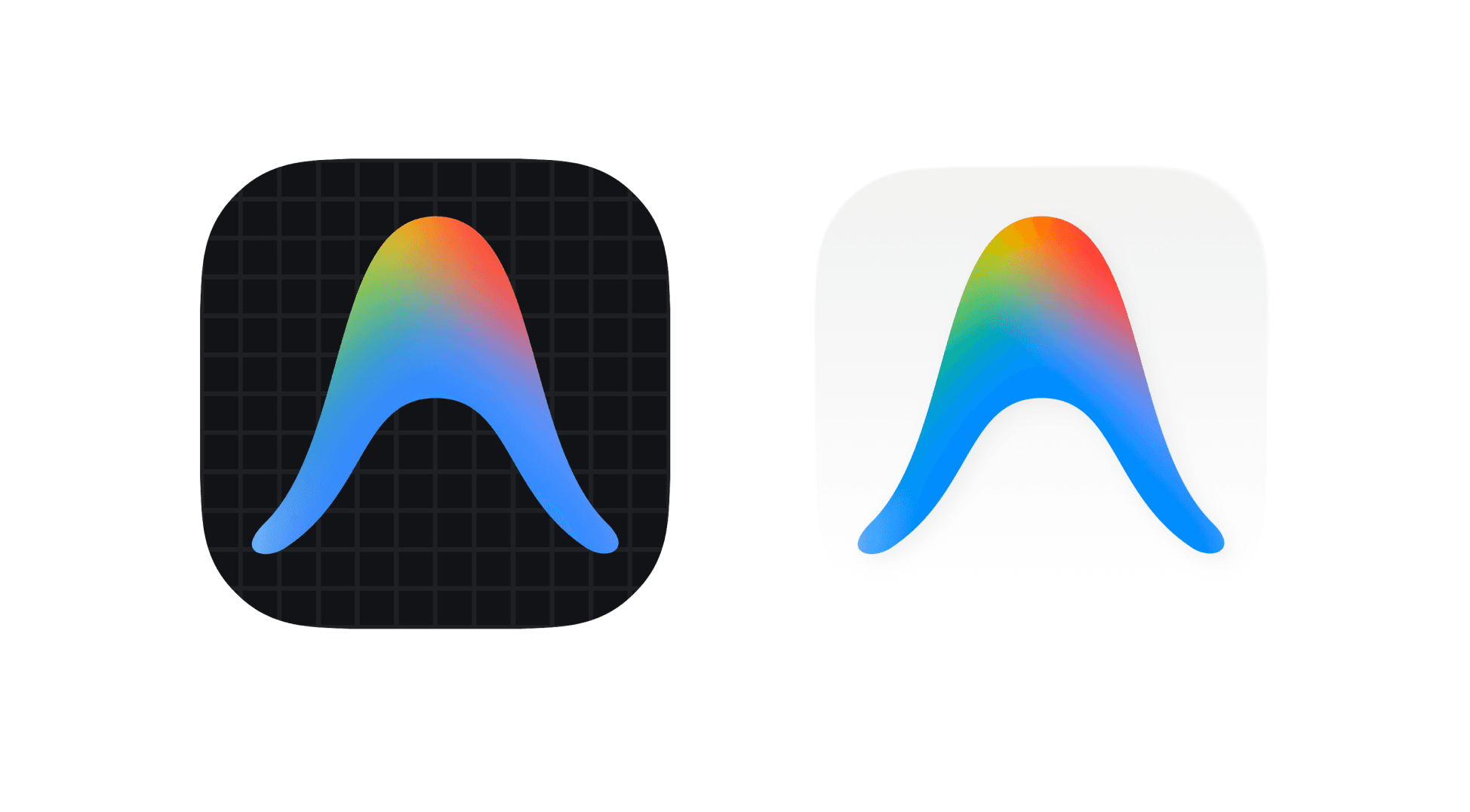
Antigravity IDE and Antigravity 2.0 logos, respectively.
Although Antigravity 2.0 is the future, we won’t disrupt your workflows right away. For now, both the Antigravity IDE application itself and the Agent Manager in the Antigravity IDE will remain available. In an upcoming release, we will remove the Agent Manager from the Antigravity IDE, turning the IDE into a purely agent-powered IDE.
We recommend dual-wielding Antigravity 2.0 with your IDE of choice, whether it is the Antigravity IDE or otherwise. Googlers have already been dual wielding Antigravity 2.0 with a whole host of IDEs! We will have compatible extensions and plugins into other popular IDEs shortly.
This is just the beginning. We look forward to launching remote control, more product integrations, cloud-deployed agents, and much more.